Bench Notes
Cheap dedicated servers — The price tells you roughly what year the hardware was made
You want guaranteed resources without discovering that the saving was funded by a decade-old drive that fails at three in the morning.
The short answer
Buy recent-generation entry Xeons with an honest allocation around them. Ours is a Xeon E-2274G — 4 cores and 8 threads, 32 GB of RAM, two drives (2×4 TB HDD or 2×960 GB NVMe) and 100 TB a month at 500 Mbps, at $149.99, with Hestia and AlmaLinux 9 pre-installed, a dedicated IPv4 address and hardware replacement covered.
Below: how to find out what generation you are actually being sold, the drive checks worth running in the first hour, why single-thread rating decides more workloads than core count does, and which jobs are perfectly happy on older silicon.
By the HostingFast team · Reviewed 24 August 2026
24/7
Humans on support, any hour
1-click
WordPress deployment
Free
SSL, issued and renewed
Daily
Backup cadence, every plan
Much of the budget dedicated market is a depreciation market wearing a discount. Machines pushed past their enterprise refresh cycle get resold cheaply, which is excellent value for forgiving workloads and genuinely risky for anything you cannot afford to lose. Neither statement is a criticism; they are just two different products sold under one label.
The way to tell them apart is not the price, it is the specification sheet and the first hour on the box. Ask for the exact CPU model rather than a family name, ask whether the storage is NVMe or spinning, and read the drives' own service history before you put anything on them.
Identify the silicon before you read the price
Ask for the exact processor model, not the family. "Xeon" spans well over a decade of parts whose per-core throughput differs enormously, and a model number is a fact you can look up in a minute. Ours is stated up front: a Xeon E-2274G, four cores and eight threads.
Then ask what the storage actually is. Two 960 GB NVMe drives and two 4 TB spinning drives are both legitimate configurations for different jobs, but they are not interchangeable, and a listing that says only "SSD" is telling you which conversation the seller would rather not have.
Placing an I/O-sensitive workload on ten-year-old hardware is the trap this whole tier leans on: the saving reappears as query latency first and as a drive failure at an inconvenient hour later.
The first hour on the box
Read the drives' SMART attributes before you write anything important to them. Power-on hours tell you the age of the components rather than the age of the listing; reallocated and pending sector counts tell you what is already going wrong. A drive with tens of thousands of hours on it can still be fine, but you should know that is what you have.
Then benchmark storage in both modes that matter: a sequential pass, which flatters everything, and a random small-block pass, which is what a database actually does. Record both figures. They are your baseline for every "has it got slower?" question you will ask over the next two years.
Finish with a memory pass and a look at the CPU's sustained clock under load. Hardware faults that appear in month six are usually visible in hour one if anybody bothers to look.
The specification we would buy
Buy recent-generation entry Xeons with an honest allocation around them — cheap dedicated hosting achieved by cutting the margin rather than by recommissioning a retired rack.
In our line-up that is the Xeon Dedicated plan: full root access, Hestia pre-installed, AlmaLinux 9 as shipped with other distributions on request, a dedicated IPv4 address, DDoS filtering in front, remote reboot and rescue mode, no setup fee, and renewal charged at the order rate.
Backups run daily on every plan, and restoring a file or a database is a single click in the panel rather than a support ticket.
Match the workload to the machine
Profile before you buy. Watch an hour of your existing workload and note whether it saturates CPU or waits on disk — a load average that is high while the processor is mostly idle is an I/O-bound job, and no amount of extra cores will change its behaviour.
I/O-bound work wants NVMe and current controllers. CPU-bound single-threaded work wants clock speed rather than core count. Batch processing, build runners, backup targets and game servers tolerate older components happily; a production database and anything holding revenue does not.
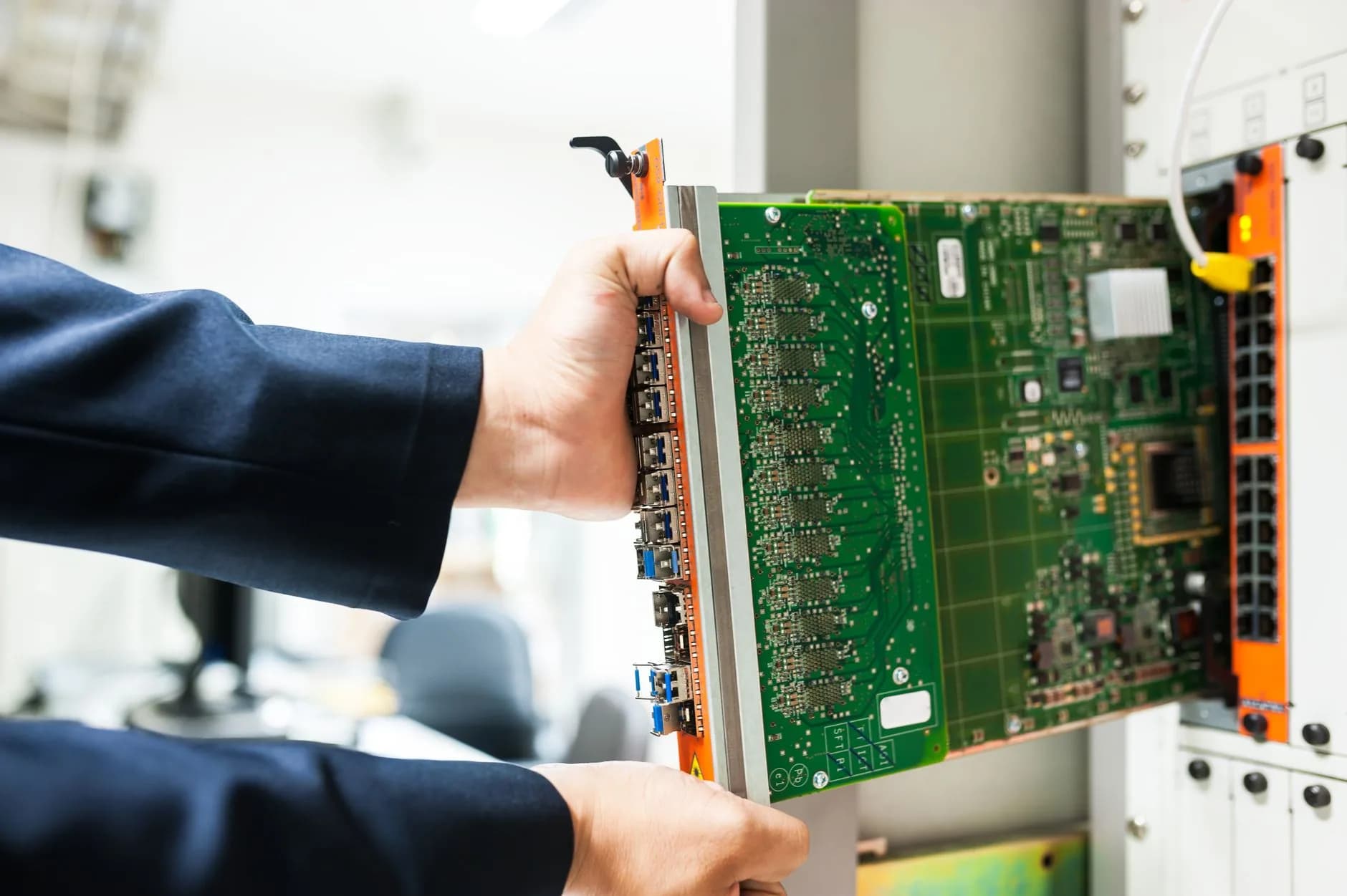
Specifications we state rather than imply
Naming the exact processor and the exact drive configuration is the least a bare-metal seller can do, and it is remarkable how often it is not done. Everything on our dedicated listing is a fact you can check against the manufacturer's own documentation.
Mailboxes on your own domain come as part of the plan — email is included rather than sold back to you at checkout.
- Exact CPU model, printed on the listing
- Drive configuration stated, not implied
- Hardware replacement covered, in writing
- No setup fee, on any dedicated order
Why HostingFast
Standard on every plan
A processor you can look up
Xeon E-2274G, four cores and eight threads, named on the listing rather than described as "Xeon class".
Storage stated in full
Two 4 TB spinning drives or two 960 GB NVMe drives, ready for RAID, so you know what you are getting before you order.
100 TB a month at 500 Mbps
A bandwidth allowance written down, which is where budget bare-metal listings most often go quiet.
Hardware replacement covered
Component failure is the real risk in this tier, so replacement is part of the arrangement rather than an argument.
A company on the record
Vitalcare at Home Ltd, registered in England and Wales — verifiable before you put a database on someone's metal.
Root, rescue and remote reboot
Full root access with Hestia pre-installed, plus rescue mode for the night something will not boot.
Quick Start
From order to online
- 1
Get the model number
Exact CPU, exact drives, exact bandwidth. A specification that names none of the three is telling you something.
- 2
Read SMART, then benchmark
Power-on hours and reallocated sectors first, then a sequential and a random I/O pass. Record every figure.
- 3
Profile the workload you are moving
Establish whether the job is CPU-bound or I/O-bound before you choose. That single fact decides which corner to spend in.
Built In
Loaded onto every plan
- Webmail plus IMAP, POP and SMTP for any mail client
- Softaculous on board for one-click application installs
- WebP conversion handled server-side at no extra cost
- NVMe SSD on every tier, including the entry plan
- Mailboxes running on your own domain name
- DDoS filtering absorbed out at the network edge
- Renewal billed at the rate you ordered at
- Staging copies for rehearsing a change before it ships
- No setup fee — there is no joining charge, ever
- In-place plan upgrades — no migration when you grow
Frequently Asked
What people ask us most often
How do I find out how old the hardware really is?
Two ways, and use both. Ask for the exact CPU model and look up its launch year — that gives you the generation. Then read the drives' SMART power-on hours once you have access, which gives you the service life of the components that will actually fail. A listing that names a family rather than a model is avoiding the first question.
What should I check on the drives before trusting them?
Power-on hours, reallocated sector count, pending sectors and any logged errors. Then run a random small-block I/O pass and keep the number. Sequential throughput looks impressive on almost anything; random performance is what a database experiences, and it is the figure that degrades first as a drive ages.
Is single-thread performance more useful than core count?
For most of what people put on entry bare metal, yes. PHP request handling, many game server loops and plenty of batch tooling are effectively single-threaded, so they finish at the speed of one core. Extra cores let you run more of those at once; they do not make any individual one faster. Match that to your workload before you pay for width you cannot use.
Which jobs genuinely need current-generation metal?
Anything I/O-sensitive or revenue-critical: production databases, busy application servers, anything where a two-hour drive replacement is a serious incident. Backup targets, build runners, game servers, batch processing and staging environments are all perfectly happy on older components, and that is where budget bare metal earns its reputation honestly.
Keep reading
DV vs OV vs EV SSL Certificates
How far a certificate needs to go in proving identity, and what the validation actually costs.
WordPress Hosting for Small Business
The same platform sized for an owner-managed business rather than a rack.
Dedicated Server (Glossary)
What a dedicated server is, where it sits against a VPS, and what it does not include.
Dedicated Servers
Bare metal with a control panel included and the specification stated up front.
Reseller Hosting
White-label WHM hosting: your brand out front, per-account billing behind it.
Changing hosts? Run through our checklist first.
A straightforward sequence for a switch your visitors never feel: which files move first, how to shift email across without losing a single message, the right moment to repoint DNS, and the two mistakes behind almost all the downtime we get asked to rescue.
Buy the specification, not the adjective.
Named silicon, stated drives, hardware replacement covered, and no setup fee on any order.
View Dedicated Servers plans