Stack Glossary
Dedicated server — Bare metal: what changes when nothing is shared
You are weighing a big VPS against a whole machine and every comparison you find talks about power rather than numbers.
The short answer
A dedicated server is one physical machine rented to a single tenant: every core, every gigabyte of RAM, every disk and the whole network interface answering to one workload. No hypervisor sits in the path, which is why disk and network latency are the shortest you can rent.
The gain is real but narrow. Bare metal wins on sustained load, heavy I/O and per-machine licensing. It wins nothing at all on a workload that spends its day idle, where you are paying for cores nobody is using.
Our Xeon E-2274G runs 4 cores and 8 threads with 32 GB of RAM, two drives ready for RAID and 100 TB of monthly bandwidth at 500 Mbps.
By the HostingFast team · Reviewed 24 August 2026
0
Terms defined here
100+
Typical read time
Real
English, no hand-waving
Free
Engineers on shift
Virtualisation is cheap but not free. A hypervisor adds a scheduling layer between your process and the CPU, and a storage layer between your query and the disk. On most workloads that overhead is invisible. On a database pinned at high utilisation for hours, it is the difference you can measure.
The other half of the case is boring and financial. Software licensed per machine, per socket or per core reprices dramatically when the machine is yours, and a book of hosting accounts spread across one box costs less per account than the equivalent virtual capacity.
The numbers that justify metal
Look at utilisation before anything else. A VPS whose CPU graph rides high for hours at a time, or whose I/O wait climbs during backups and reports, is a genuine candidate. A VPS at 20 per cent all week is telling you the current size was correct and the money would be better spent on the code.
The second number is I/O. Databases that write constantly, media processing pipelines and log-heavy applications all care about disk latency more than clock speed, and that is where taking the hypervisor out of the path is felt most clearly.
What you inherit along with the machine
Hardware replacement is the provider's job — a failed drive or a dead stick of RAM gets swapped, which is much of what a host is for. Everything above the metal is yours: the operating system, the patching, the RAID configuration you chose and the copies you keep somewhere else.
RAID protects against a drive dying. It does nothing about a bad deployment, a dropped table or ransomware, all of which it will faithfully mirror. Copies held off the server are what turn a hardware failure into an hour of disruption rather than the end of a business.
Where bare metal is the wrong answer
Spiky, unpredictable demand belongs on capacity you can add and remove. A single machine is a fixed ceiling and a fixed floor at the same time, so growth means a migration or a parts change rather than a slider. If your traffic pattern is a series of surprises, the flexibility is worth more than the last few per cent of performance.
It is also the wrong answer for anyone who wants less operational work. A dedicated server is more responsibility than a VPS, not less, and buying one to escape a hosting problem you have not diagnosed simply relocates the problem onto better hardware.
The machine we rent, spelled out
The Xeon E-2274G runs 4 cores and 8 threads with 32 GB of RAM and a choice of 2×4 TB HDD or 2×960 GB NVMe, two drives ready for RAID, a dedicated IPv4 address, DDoS filtering in front, remote reboot and rescue mode, and AlmaLinux 9 with Hestia pre-installed. Other distributions are available on request and there is no setup fee.
Like VPS instances, dedicated servers are provisioned to order and therefore sit outside the 30-day money-back window that covers shared, business, WordPress and WooCommerce hosting.
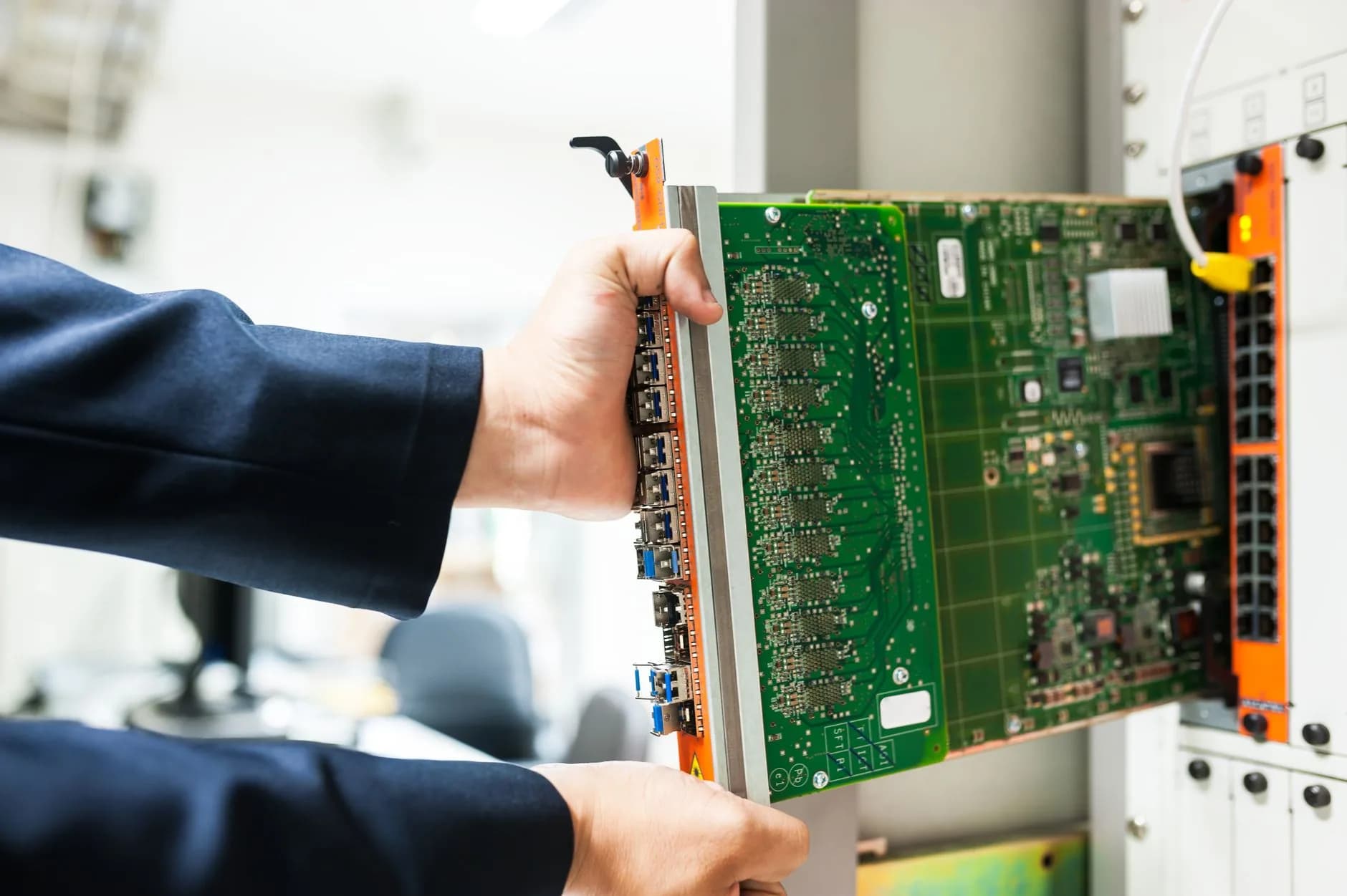
The case for metal, argued with utilisation graphs
Dedicated servers are usually sold on adjectives. This entry sticks to the two measurements that actually decide it: sustained CPU utilisation and I/O wait, both taken from the machine you already run.
Hardware replacement is covered and the migration from shared hosting costs nothing, so the change of tier is a technical decision rather than a financial gamble.
- No hypervisor in the request path
- Utilisation and I/O wait as the test
- RAID is not a backup
- Hardware replacement covered
Why HostingFast
Standard on every plan
The whole machine, unshared
Every core, all 32 GB and both drives answer to your workload alone, with no scheduler deciding between tenants.
Two drives ready for RAID
2×4 TB HDD or 2×960 GB NVMe, configured how your workload wants them rather than how a template assumes.
100 TB a month at 500 Mbps
Transfer headroom that suits media-heavy and backup-heavy work without a metered surprise at the end of the month.
Hardware replacement covered
A failed component is swapped by us — the part of single-tenancy that is genuinely our problem rather than yours.
Remote reboot and rescue mode
Recover a machine that will not boot without a support ticket standing between you and the console.
AlmaLinux 9 with Hestia
Ships with a working panel from the first login, and other distributions are available on request.
Quick Start
From order to online
- 1
Read a fortnight of utilisation
Sustained CPU and rising I/O wait justify the move. A flat graph at 20 per cent says the money belongs in the application instead.
- 2
Plan storage before you order
Two spinning drives for capacity or two NVMe drives for latency, and decide the RAID level while it is still a choice.
- 3
Set up copies off the machine
RAID survives a dead disk and nothing else. Schedule copies elsewhere on day one, then test a restore before you need one.
Built In
Loaded onto every plan
- Xeon E-2274G with 4 cores, 8 threads and 32 GB of RAM
- 2×4 TB HDD or 2×960 GB NVMe, both RAID-ready
- 100 TB of monthly bandwidth at 500 Mbps
- A dedicated IPv4 address of your own
- DDoS filtering screening traffic up front
- Remote reboot and rescue mode from the panel
- AlmaLinux 9 with Hestia pre-installed
- Hardware replacement covered by us
- No setup fee on any dedicated order
- Free migration if you are arriving from shared hosting
Frequently Asked
Questions we get asked again and again
What does taking the hypervisor out actually change?
It removes a scheduling layer between your process and the CPU and a storage layer between your query and the disk. On a mostly idle workload you will struggle to see it. On a database held at high utilisation for hours, or an I/O-heavy pipeline, it shows up in the latency percentiles rather than the averages.
Is a 4-core dedicated server faster than a 4-core VPS?
For sustained work, generally yes, because the cores are not being scheduled against anyone else and the disk path is shorter. For bursty work the difference is often too small to notice. Compare your own utilisation graphs rather than the core counts.
Does RAID mean I can skip backups?
No, and this is the mistake that ends businesses. RAID keeps you running when a drive dies. It faithfully replicates a dropped table, a bad deploy and an encryption attack to both disks at once. Copies held off the machine are the only thing that undoes those.
Who patches the operating system?
You do. We replace hardware and keep the network and the power in front of it working; everything from the kernel upward belongs to whoever holds root. Plan the maintenance window before you order, not after the first advisory lands.
Keep reading
OpenCart Hosting
OpenCart on storefront-tuned PHP with free SSL and staging, if the machine is destined for a shop.
Web Hosting
Fast cPanel hosting on NVMe with SSL, migration and a first-year domain included.
Moving to a new host? Read the checklist before you start.
A plain running order for a move nobody browsing the site will notice: what to copy across first, how to carry mailboxes over without dropping one message, when to repoint DNS and not a minute earlier, plus the pair of errors responsible for nearly every outage we get called in to fix.
One machine, one workload.
The Xeon E-2274G with 32 GB, RAID-ready drives and hardware replacement covered — no setup fee, and migration from shared hosting included.
View OpenCart Hosting plans