Terminal setup · Intermediate · 20 minutes, once, forever
How to connect to a VPS with SSH — Set the Terminal Up Once So Every Connection After Is Instant
You can already get in with a password; what you want is a single word that connects instantly and a server that no longer accepts passwords at all.
The short answer
Get in once with the credentials you were given, then spend fifteen minutes making every future connection instant and password-free. That means an ed25519 key pair, the public half installed on the server, a host alias in ~/.ssh/config carrying the address, user, port and key path, and connection multiplexing so the second and third sessions reuse the first one's TCP and TLS handshake.
The step that needs care is the last one. Disabling password authentication from your only open session is how people lock themselves out of their own server. Keep the working session open, prove the key from a second terminal, and only then reload sshd — every time, without exception.
By the HostingFast team · Reviewed 24 August 2026
Intermediate
Assumed skill
5
Numbered stages
Free
Support, billed at
Proven
Run on the platform we operate
Twenty minutes, and you will not repeat most of it. The provisioning email gives you three details: address, username and port. Everything past the first connection is about not typing those three things ever again.
The measurement that makes this worthwhile is the second connection. With multiplexing configured, opening another session to the same host skips the handshake entirely and is effectively instantaneous — which changes how you work rather than merely saving a few keystrokes.
The first connection, and the fingerprint that matters
ssh root@your-server-ip from any terminal on macOS, Linux or Windows. The first connection asks you to accept a host fingerprint. Ideally you compare it against the fingerprint shown in your provider's console rather than pressing yes on reflex, because that comparison is the only thing standing between you and a machine-in-the-middle on first contact.
After that, a changed fingerprint is a warning worth stopping for. It usually means the server was rebuilt, and occasionally it means something else. Either way it is not a prompt to delete the known-hosts line and carry on without finding out which.
ed25519 keys, and where the passphrase actually costs you
ssh-keygen -t ed25519 produces a short, fast, modern key pair. The private half never leaves your machine; the public half goes on the server with ssh-copy-id. Protect the private key with a passphrase — it is the one secret in this whole exercise, and an unprotected key file on a laptop is a spare key taped to the door.
The passphrase is not a per-connection cost, because the agent holds the decrypted key for the session. You type it once when you unlock the key and not again, which removes the usual excuse for skipping it.
The config file that turns three details into one word
A Host block in ~/.ssh/config holds HostName, User, Port and IdentityFile behind a short alias. From then on the connection is one word, and so is any scp or rsync to the same machine. Nobody is tempted to keep the address and password in a note app because there is nothing left to keep.
Add ControlMaster auto with a ControlPath and a ControlPersist window, and the first connection opens a shared channel that later sessions reuse. The second terminal to the same host then connects with no handshake at all — a genuinely different experience if you are running deploys and tails side by side.
Turn passwords off, from a second window
With keys proven, set PasswordAuthentication no in sshd_config and reload the service. Brute-force attempts, which begin within hours of a server appearing on the internet, become log noise rather than a race you might eventually lose.
Do it with two terminals open. Session one is your working shell and your escape hatch; session two is where you prove the key still lets you in after the reload. If it does not, session one fixes it. Reverse that order and your next move is a rescue console. If you only need a shell rather than a whole server, SSH, Git and Composer are on the developer-focused shared plans already.
Where you get a shell here
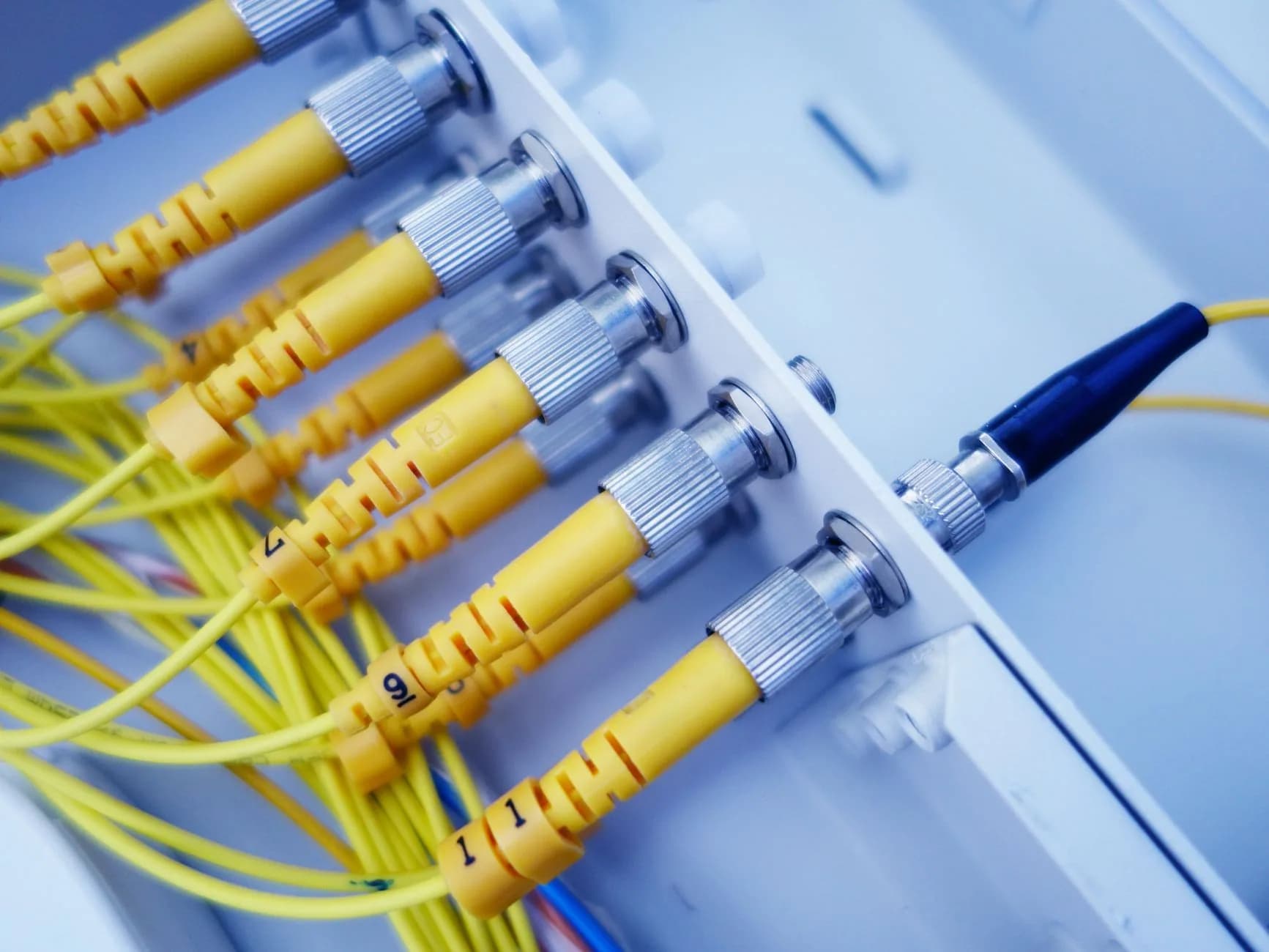
SSH, Git and Composer are included on the developer-focused plans, so a terminal, a deploy and a dependency install do not require renting a whole VPS. When you do want the full machine, the KVM virtual servers come with root access and DDoS filtering at one flat monthly price.
The rate you sign up at is the rate you renew at, so year two costs exactly what year one did.
- SSH, Git and Composer on the developer-focused plans
- KVM virtual servers with root access when you want the whole box
- DDoS filtering absorbed at the network edge
- A renewal price identical to the one you signed up at
Why HostingFast
Standard on every plan
Set up once, used daily
Twenty minutes buys an alias, a key and a multiplexed channel that make every connection afterwards instant.
The fingerprint check explained
What it protects against and why a changed one is worth stopping for, rather than a prompt to press y through.
Modern keys by default
ed25519 rather than a large RSA key, with the passphrase argument settled by how the agent actually works.
Multiplexing, with the reason
The second session skips the handshake entirely, which matters when you keep a deploy and a log tail open together.
The lockout avoided by design
Two terminals, key proven in the second, password authentication disabled only afterwards. Every time.
A shell without a server
SSH, Git and Composer come with the developer-focused shared plans, so a VPS is a choice rather than a prerequisite.
Quick Start
From order to online
- 1
Connect with what you were given
Address, username and port from the provisioning email. Compare the host fingerprint against the provider console before accepting it rather than after.
- 2
Generate an ed25519 pair
ssh-keygen -t ed25519, with a passphrase. The private key stays on your machine; the agent holds it unlocked so you type the passphrase once per session.
- 3
Install the public key and verify it
ssh-copy-id appends it to the server's authorised keys. Open a second terminal and confirm the key works before you touch a single sshd setting.
- 4
Write the host alias and enable multiplexing
A Host block with HostName, User, Port and IdentityFile, plus ControlMaster auto and a persist window. One word connects; the second session is instant.
- 5
Disable password authentication
PasswordAuthentication no, reload sshd — with your working session still open and the key already proven from the second terminal.
Built In
Loaded onto every plan
- SSH, Git and Composer on the developer-focused plans
- DDoS filtering absorbed out at the network edge
- NVMe SSD storage on every tier, including the entry plan
- A renewal price identical to the one you signed up at
- cPanel — the control panel most of the industry already runs
- Per-site PHP version switching from the control panel
- Daily backups on every plan, with restores you run yourself from the panel
- Zero setup charges — there is no joining fee, ever
- In-place account upgrades, with no migration when you change plan
- Human support on duty every hour of every day
Frequently Asked
Questions we get asked again and again
Why is the second SSH connection so much faster with ControlMaster?
Because it is not really a new connection. ControlMaster keeps the first session's channel open and later sessions to the same host multiplex over it, skipping the TCP handshake, the key exchange and the authentication entirely. On a high-latency link the difference between a fresh connection and a multiplexed one is the difference between a pause and no pause at all.
Should I verify the host fingerprint out of band?
On first connection, yes — compare it against the fingerprint your provider shows in the console. It is the only moment where you have no prior knowledge of the host, and it is the one moment an interception would be invisible. Afterwards your client checks it for you, and a changed fingerprint deserves an explanation before you delete the known-hosts line.
Is ed25519 actually better than RSA for this?
For a new key, yes: it is short, fast to verify, has no key-size decision to get wrong, and is supported everywhere you are likely to connect. Large RSA keys remain perfectly secure and are worth keeping if something in your chain needs them, but there is no reason to generate a new one today.
Can I get a shell without renting a whole VPS?
Yes — SSH, Git and Composer are on the developer-focused shared plans, so you can deploy from a repository, run Composer and work in a terminal without managing a server. A VPS earns its place when you need root, your own services or a custom stack, and then the KVM servers come with root access and DDoS filtering at one flat monthly rate.
Keep reading
How to Secure a New VPS
Count what is listening, cut it to a short list, and close the rest in the first hour — intermediate, roughly an hour.
How to Secure Your Email Account
Protect the one mailbox that can reset every other account you hold — beginner, roughly 30 minutes.
DirectAdmin Reseller Hosting
Lightweight DirectAdmin reseller hosting at a lower monthly rate.
WordPress Hosting
WordPress on LiteSpeed and NVMe, with staging clones and daily backups included.
Moving to a new host? Read the checklist before you start.
A plain running order for a move nobody browsing the site will notice: what to copy across first, how to carry mailboxes over without dropping one message, when to repoint DNS and not a minute earlier, plus the pair of errors responsible for nearly every outage we get called in to fix.
Get a terminal on the plan.
SSH, Git and Composer on developer plans, KVM servers with root access when you need the whole box, and a renewal price that never moves.
View DirectAdmin Reseller Hosting plans