Stack Glossary
A VPS buys you a guarantee, not simply a bigger plan
You have outgrown a shared account, or you think you have, and the honest test for that is not a feeling.
The short answer
A VPS is a virtual machine carved out of one physical server by a hypervisor — KVM on every node we run — with its own kernel, a reserved allocation of CPU and RAM, and root access down to the command line. The reservation is the product; the extra performance is a consequence of it.
That guarantee arrives attached to a duty. Nothing patches itself, nothing is tuned for you, and a firewall rule you get wrong is your outage. An unmanaged VPS bought to avoid learning server administration is the one that goes a year without an update.
Ours start at 1 core, 1 GB DDR4 and 25 GB of SSD and scale to 10 cores, with London or Dallas as the datacentre.
By the HostingFast team · Reviewed 15 August 2026
0
Terms defined here
100+
Typical read time
Real
English, no hand-waving
Free
Engineers on shift
KVM splits the machine at hardware level. Your instance boots its own kernel, and the memory on the invoice is genuinely set aside rather than borrowed from a shared pool when nobody else is using it. Container-based platforms share the host kernel and quote burstable figures, which is a different product sold with similar words.
The practical consequence shows up under load. A shared account degrades when the machine is busy; a KVM instance keeps the resources it was allocated and degrades only when you exhaust them yourself. That predictability is what you are buying, and it is worth measuring rather than assuming.
The test that says move
Three findings justify the jump, and none of them is a hunch. First, a workload that needs a runtime you must install and supervise yourself. Second, sustained CPU or memory use that already sits near your shared account's ceiling on the graphs. Third, a requirement for root — a daemon, a queue worker, a custom build.
If none of the three is true and the site is simply slow, a VPS will disappoint you. The same uncached queries and the same oversized images will run on more expensive hardware and produce a modestly better number for four times the money.
What you take on with root
Kernel and package updates, firewall rules, TLS renewal, log rotation, backups and monitoring all become yours the moment the instance boots. Add a control panel and the routine parts get easier; the responsibility does not move. Snapshot backups are available on demand, but a snapshot you never take restores nothing.
Budget the time honestly. An hour a month keeps a small VPS healthy. Nought hours a month produces a server with an unpatched kernel and an open SSH port, and that is a far worse outcome than the shared account it replaced.
Sizing it with numbers instead of instinct
Start from your measured peak, not your imagined one. A Node API and a Postgres instance with modest traffic sit comfortably on 2 cores and 2 GB; a memory-hungry stack with a JVM or several containers wants the 6-core tier. Disk is usually the last thing to bind, so buy cores and RAM first and add SSD later.
Scaling up is a resize rather than a rebuild, which means the cheap decision is to start one tier below your guess and watch the graphs for a fortnight.
What our VPS tiers actually ship
Full root on KVM, 24 Linux and BSD images, a choice of London or Dallas, 1 Tbps+ DDoS filtering at the edge, a 20 Gbps uplink on every hypervisor, on-demand snapshots, extra SSD disks added in seconds, and console, reboot and rebuild from your panel. cPanel is a bolt-on rather than an assumption. There is no setup fee and the instance deploys the moment payment clears.
One caveat to read before ordering: VPS and dedicated servers are built to order, so they fall outside the 30-day money-back window that covers shared, business, WordPress and WooCommerce plans.
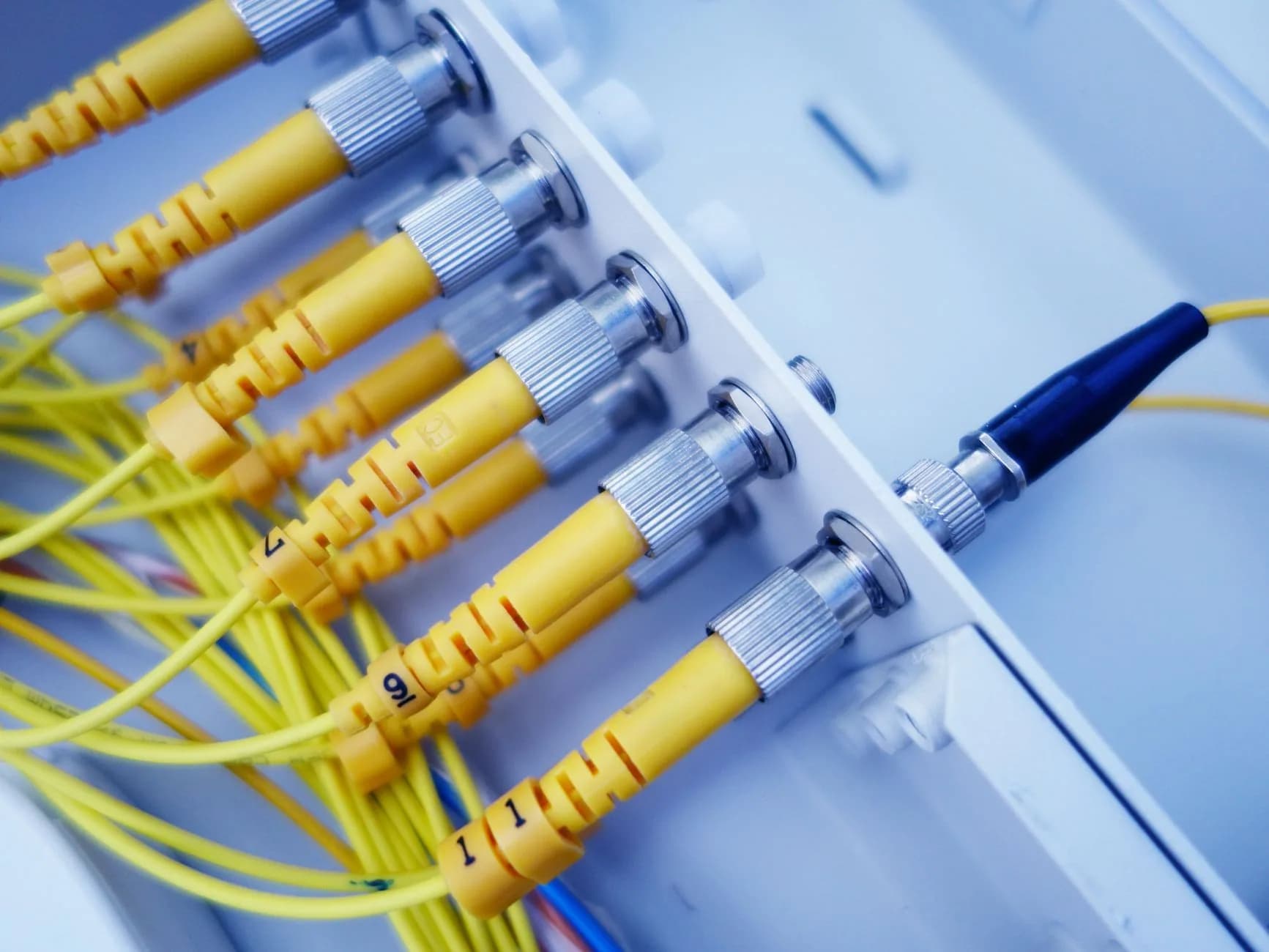
The upgrade decision, made with graphs
Most VPS purchases are made on a feeling that the current plan is not enough. This entry gives you the three findings that justify the move and the one pattern that means you should stay put and fix the code instead.
Instances deploy the moment payment clears and resize as you grow, so starting one tier below your guess costs you nothing but a fortnight of graphs.
- KVM, so the allocation is real
- Root, and what it obliges you to do
- Sizing from measured peaks
- London or Dallas, your choice
Why HostingFast
Standard on every plan
KVM virtualisation throughout
The machine is split at hardware level, so the RAM on your invoice is reserved rather than borrowed when the host is quiet.
Full root, no locked doors
Install what you need, run your own daemons, compile what you like — with the upkeep that arrangement implies.
DDoS filtering at 1 Tbps+
Volumetric traffic is absorbed up front rather than reaching your interface and eating the cores you paid for.
20 Gbps uplink per hypervisor
Network headroom on the node so a busy neighbour cannot saturate the link your instance depends on.
Snapshots and rescue mode
Take a snapshot before a risky change, and reboot, rebuild or drop to console from the panel when something goes wrong.
No setup fee, deploys on payment
The instance is live minutes after checkout, with 24 Linux and BSD images ready to select.
Quick Start
From order to online
- 1
Prove the need from your own graphs
Sustained CPU or memory at your current ceiling, or a runtime that needs root. Without one of those, stay where you are and fix the queries.
- 2
Start one tier under your guess
One core with 1 GB, or two cores with 2 GB. Resizing later takes minutes; overbuying on day one costs every month.
- 3
Harden it in the first hour
Keys instead of passwords, firewall closed by default, unattended upgrades on, and a snapshot taken before you install anything interesting.
Built In
Loaded onto every plan
- KVM virtualisation with genuinely reserved CPU and RAM
- Full root access on every VPS tier
- 24 Linux and BSD images ready to deploy
- London or Dallas datacentre, chosen at order
- 1 Tbps+ DDoS filtering in front of the network
- 20 Gbps uplink on every hypervisor
- Snapshot backups taken on demand
- Extra SSD disks attached in seconds
- Console, reboot and rebuild from your panel
- No setup fee, and deployment the moment you pay
Frequently Asked
Questions we get asked again and again
How much administration does an unmanaged VPS really take?
Budget an hour a month for updates, log checks and a snapshot before anything risky, plus an afternoon at the start to set up keys, a firewall and unattended upgrades. Below that, the server drifts out of date quietly, and the first sign is usually somebody else finding the open port before you do.
Is KVM genuinely different from a container VPS?
Yes, in the place it matters. KVM allocates at hardware level and boots your own kernel, so the memory is set aside for you. Container platforms share the host kernel and lean on burstable numbers that depend on the neighbours being quiet. We run KVM because a guarantee that evaporates under load is not a guarantee.
Can I add cPanel to a VPS?
It is a bolt-on you can add whenever you want it rather than something bundled into the price. Plenty of people run the instance bare with a shell and a config file, which is cheaper and perfectly reasonable if you are comfortable there.
Do VPS orders carry the 30-day money-back window?
No. Shared, business, WordPress and WooCommerce hosting carry 30 days and reseller carries 7, but VPS and dedicated servers are built to order the moment payment lands and sit outside the guarantee. Worth knowing before you size the instance.
Keep reading
WordPress Hosting
Managed WordPress with Redis and AccelerateWP already tuned, if the VPS was only ever about speed.
Laravel Hosting
Laravel with Composer, SSH and Git-driven deploys, on shared plans that behave like a small server.
Moving to a new host? Read the checklist before you start.
A plain running order for a move nobody browsing the site will notice: what to copy across first, how to carry mailboxes over without dropping one message, when to repoint DNS and not a minute earlier, plus the pair of errors responsible for nearly every outage we get called in to fix.
Take the guarantee, keep the graphs.
KVM instances with full root, DDoS filtering and snapshots — deployed the moment payment clears.
View WordPress Hosting plans