Stack Notes
Bots and automation hosting — Staying connected is the entire specification
Your bot does almost no work and still has to be alive at four in the morning, which makes this a process supervision problem rather than a capacity one.
The short answer
Run a small VPS with systemd or PM2 supervising the processes — the Spark tier holds a surprising number of bots because their cost is resident memory rather than CPU. Budget from measured resident set size, set a restart policy, then add a watchdog that notices when the restart policy itself has failed.
Below: how to size memory from real figures instead of guesses, what a correct restart configuration looks like, why a scheduled task is not a substitute for a resident one, and how to prove recovery works before you need it to.
By the HostingFast team · Reviewed 24 August 2026
24/7
Humans on support, any hour
1-click
WordPress deployment
Free
SSL, issued and renewed
Daily
Backup cadence, every plan
Bots invert the usual server profile. They consume almost no CPU and require an uninterrupted connection for months at a time, which makes a small virtual server both their natural home and their cheapest one — you are renting continuity rather than throughput.
That also changes what "good hosting" means here. Nobody is measuring page speed. The metrics that matter are resident memory per process, restart count over a month, and time to recovery after a host reboot. All three are cheap to collect and none of them appear on a hosting comparison table.
Size memory from measurements, not guesses
Start the process, let it reach steady state for an hour, then read its resident set size. Read it again after a reconnect and again after the busiest hour of the day, because a client library that buffers events will look very different under load than it does at rest.
Add the readings, then leave real headroom on top — the kernel needs page cache, and a machine that swaps will produce exactly the intermittent unresponsiveness that is hardest to diagnose. Memory, not processing, is what fills a small box running several automations.
Cron-only hosting for a resident bot is the trap to avoid entirely: a scheduled wake-up is not a persistent connection, and everything that happens between invocations is simply missed.
The restart policy is the product
Under systemd, that means Restart=always with a sensible RestartSec, a start limit that will not blacklist the unit after a burst of crashes, and the unit enabled so it comes back at boot. Under PM2, it means saving the process list and installing the startup hook — the step people skip, and the reason a bot survives a crash but not a reboot.
Log the restarts. A process that quietly restarts eleven times a night is telling you something about a memory leak or an upstream disconnection, and you will never notice if the only signal is that it happens to be running when you look.
Add a second layer: a heartbeat to an external checker, so a process that is running but wedged still raises a flag. Supervisors restart crashes, not hangs.
The tier we would take
Run a small VPS with systemd or PM2 keeping the processes upright — the Spark tier holds a surprising number of bots for very little outlay.
In our line-up that is the Spark VPS plan: full root access on KVM virtualisation, two dozen Linux and BSD images to choose from, DDoS filtering in front, snapshots on demand, a choice of London or Dallas, and no setup fee — it deploys the moment you pay.
Order an annual plan and the first year of your domain registration costs you nothing.
Prove the recovery, do not assume it
Kill the process ungracefully and watch it come back. Then reboot the whole machine and watch it come back again. Those are two different failure modes and passing the first tells you nothing about the second — the boot-time case is where most configurations turn out to be incomplete.
Finish by rehearsing the rebuild. Snapshot the machine, note what a fresh deploy would involve, and time it. A bot you can redeploy in ten minutes is an inconvenience when something goes wrong; one that only exists as an undocumented directory on a server is a small disaster.
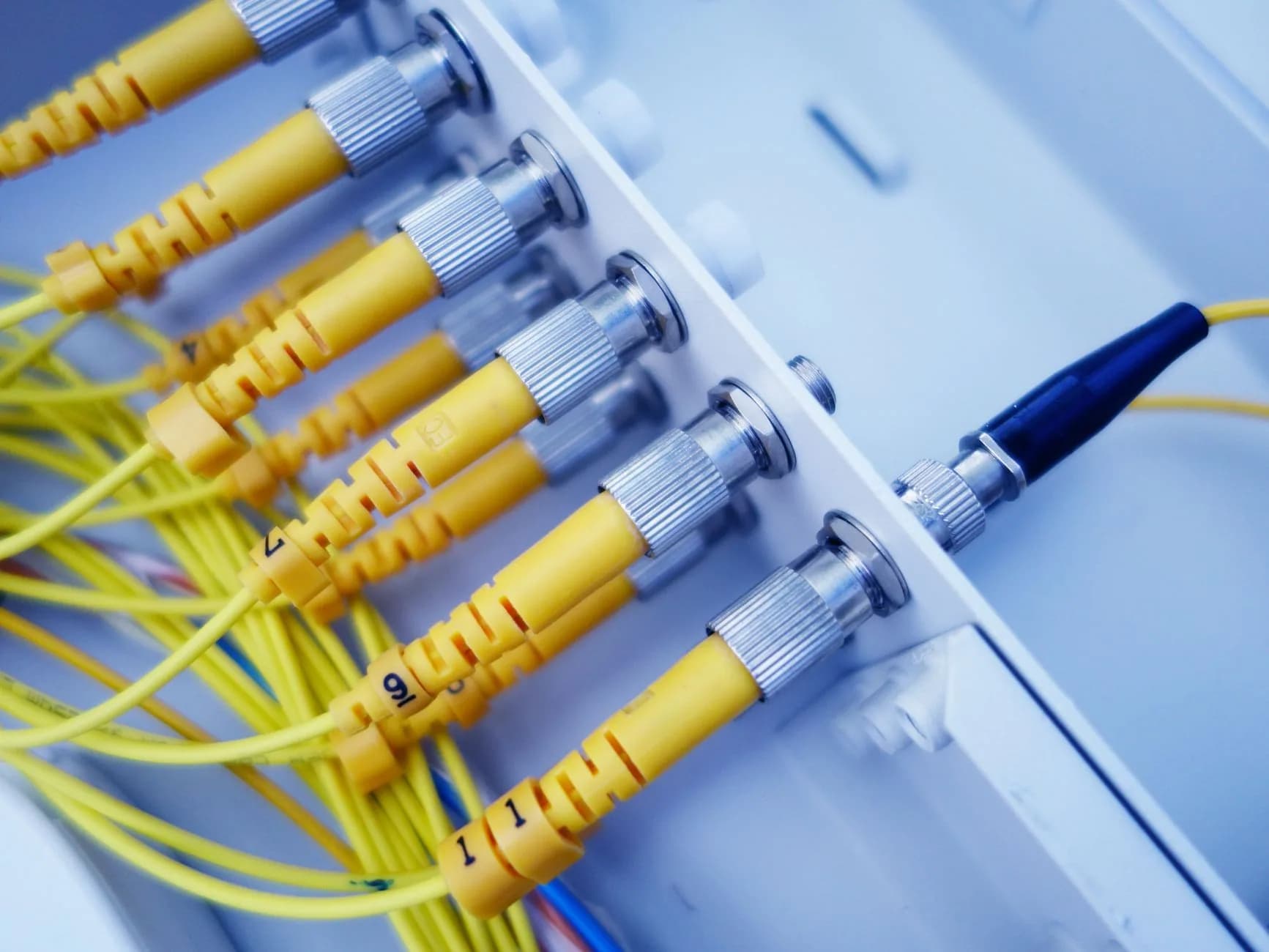
Continuity, measured
The only interesting metrics for this workload are resident memory, restart count and time to recovery. We would rather help you collect those than sell you cores the process will never touch.
Already hosted somewhere slower? We migrate the whole site free, usually within 24 hours, and it keeps serving visitors the entire time.
- Resident memory is the binding constraint
- Enable the unit, then actually reboot
- Heartbeat catches hangs a supervisor misses
- Snapshots on demand before a risky change
Why HostingFast
Standard on every plan
Full root on KVM
Real virtualisation, so systemd behaves the way the documentation says it does rather than approximately.
Snapshots on demand
Take one before an upgrade, roll the whole machine back if the new library misbehaves overnight.
Two dozen images to start from
Linux and BSD images ready to deploy, so the runtime you standardised on is one selection away.
DDoS filtering in front
Volumetric traffic is handled at the network edge, which matters for anything with a public endpoint attached.
A company on the record
Vitalcare at Home Ltd, registered in England and Wales — a supplier you can look up before you leave something running on it.
No setup fee, deploys on payment
The machine exists minutes after checkout, so the rebuild rehearsal can happen the same evening.
Quick Start
From order to online
- 1
Read resident memory three times
At steady state, after a reconnect, and during the busiest hour. Sum them and leave headroom for the kernel.
- 2
Configure restarts and enable at boot
Restart policy plus start limits, then the enable step. Saving the PM2 list without the startup hook is the classic omission.
- 3
Kill it, then reboot it
Two separate tests, because surviving a crash tells you nothing about surviving a restart of the host.
Built In
Loaded onto every plan
- Free SSL that reissues itself well before expiry
- Renewal billed at the rate you ordered at
- Per-site PHP version switching from the control panel
- Human support on duty every hour of every day
- Mailboxes running on your own domain name
- Full SSH with Git and Composer, not a restricted shell
- WordPress Toolkit handling core and plugin updates
- LiteSpeed cache built into the server, not bolted on by plugin
- Money-back cover: 30 days on hosting plans, 7 on reseller
- Snapshot backups taken on demand
Frequently Asked
What people ask us most often
How do I size memory for a resident process?
Measure it rather than estimate it. Let the process settle for an hour and read its resident set size, then read it again after a reconnect and during its busiest period. Add the figures for everything you intend to run, then leave headroom — a box that starts swapping produces intermittent unresponsiveness that is far harder to diagnose than an outright crash.
systemd or PM2?
systemd if the machine runs a mix of things and you want one supervisor for all of them; PM2 if everything is Node and you want its process list and log handling. Both work. The step that decides whether either actually helps is the boot-time one: an enabled systemd unit, or PM2's saved list plus its startup hook. Skip that and you have crash recovery without reboot recovery.
How do I prove it comes back after a host reboot?
Reboot the host and watch. There is no substitute, and it is the test people skip because killing the process is easier. Do both, in that order, and check the log timestamps afterwards to confirm the supervisor started it rather than you happening to log in and find it running.
What happens when an upstream API rate limits me?
A well-behaved client backs off and retries with increasing delay; a badly behaved one hammers the endpoint and gets its key suspended. Read the 429 response and honour any Retry-After header, add jitter so several of your own processes do not retry in lockstep, and log the events — a rising rate of limit responses is usually the first sign of a loop you did not intend to write.
Keep reading
Hosting Upgrade Paths
The graphs that justify moving up a tier, and the two symptoms that never do.
Landing Page Hosting
Campaign pages that have to load instantly and cost almost nothing to keep online.
How to Test Your Website Speed
How to take a speed measurement that means something, and which figure to record.
VPS Hosting
KVM virtual servers with root access, DDoS filtering and one flat monthly price.
Drupal Hosting
Drupal with Composer, Drush and per-site PHP control on tap.
Changing hosts? Run through our checklist first.
A straightforward sequence for a switch your visitors never feel: which files move first, how to shift email across without losing a single message, the right moment to repoint DNS, and the two mistakes behind almost all the downtime we get asked to rescue.
Keep it running.
Root on KVM, snapshots on demand, DDoS filtering at the edge, and no setup fee on any order.
View VPS Hosting plans